Regular Image (No Caption)
Here’s a regular image without a caption. It will display at full width within the content area.

This paragraph follows the regular image. Lorem ipsum dolor sit amet, consectetur adipiscing elit. Sed do eiusmod tempor incididunt ut labore et dolore magna aliqua.
Image with Caption
Images can have captions that provide additional context or information about what’s shown.

The caption appears below the image in an italic style. Ut enim ad minim veniam, quis nostrud exercitation ullamco laboris.
Floated Images
Float Left

This image floats to the left of the text, allowing the content to wrap around it. This is particularly useful for creating magazine-style layouts where you want text to flow naturally around images. The float-left class makes the image take up roughly half the width (or a minimum of 400px) and positions it on the left side.
Lorem ipsum dolor sit amet, consectetur adipiscing elit. Sed do eiusmod tempor incididunt ut labore et dolore magna aliqua. Ut enim ad minim veniam, quis nostrud exercitation ullamco laboris nisi ut aliquip ex ea commodo consequat.
Duis aute irure dolor in reprehenderit in voluptate velit esse cillum dolore eu fugiat nulla pariatur. Excepteur sint occaecat cupidatat non proident, sunt in culpa qui officia deserunt mollit anim id est laborum.
Float Right
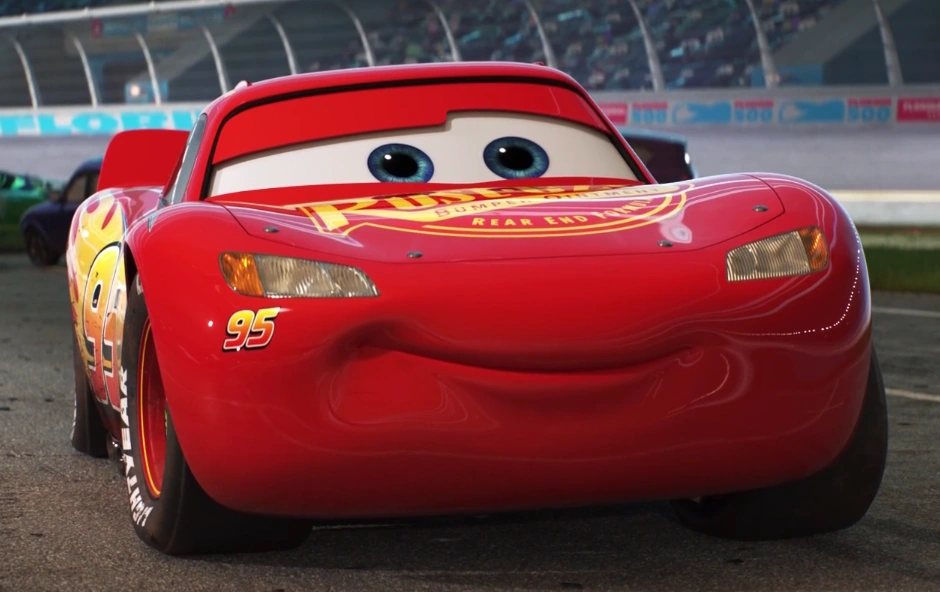
Similarly, this image floats to the right of the text. The float-right class creates the same effect but positions the image on the right side, with text wrapping around it on the left.
This creates an engaging reading experience where images complement the text without interrupting the flow. The reader’s eye naturally moves between the image and the text content.
Sed ut perspiciatis unde omnis iste natus error sit voluptatem accusantium doloremque laudantium, totam rem aperiam, eaque ipsa quae ab illo inventore veritatis et quasi architecto beatae vitae dicta sunt explicabo.
Nemo enim ipsam voluptatem quia voluptas sit aspernatur aut odit aut fugit, sed quia consequuntur magni dolores eos qui ratione voluptatem sequi nesciunt.
Side-by-Side Images
When you want to compare two images or show related content together, you can place two images within a single figure element. They’ll automatically arrange side-by-side with equal width.
The caption spans the full width below both images, making it perfect for describing the relationship between the two images or providing context for the comparison.
More Content
This concludes our demonstration of the various image styling options available. You can mix and match these styles throughout your content to create visually engaging and well-structured articles.
Whether you’re writing about motorsport, nature, or any other topic, these flexible image styling options help you tell your story effectively.